Onwords/Media & press
Media
Press kit and screenshots.
Everything you need to write about Onwords: the trailer, screenshots at full resolution, brand assets, and the facts. All of it free to use in coverage of the app.
The trailer
See it follow a voice
One minute, and quicker than explaining it — the pause, the stumble, the skipped section, and two presenters sharing one script.
Watch on YouTube, or link to it directly at youtu.be/DT4EiSpEPYo.
Screenshots
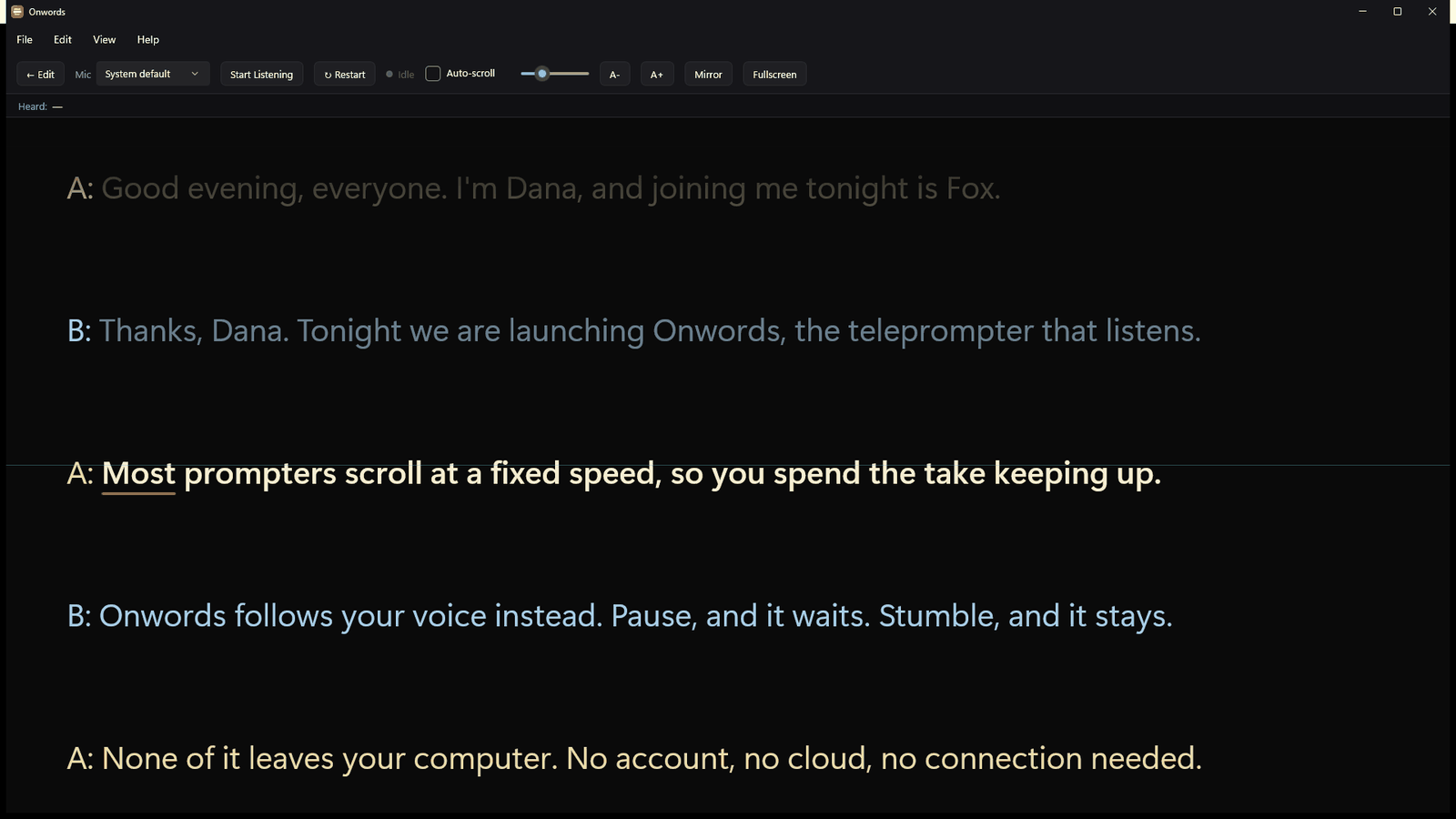
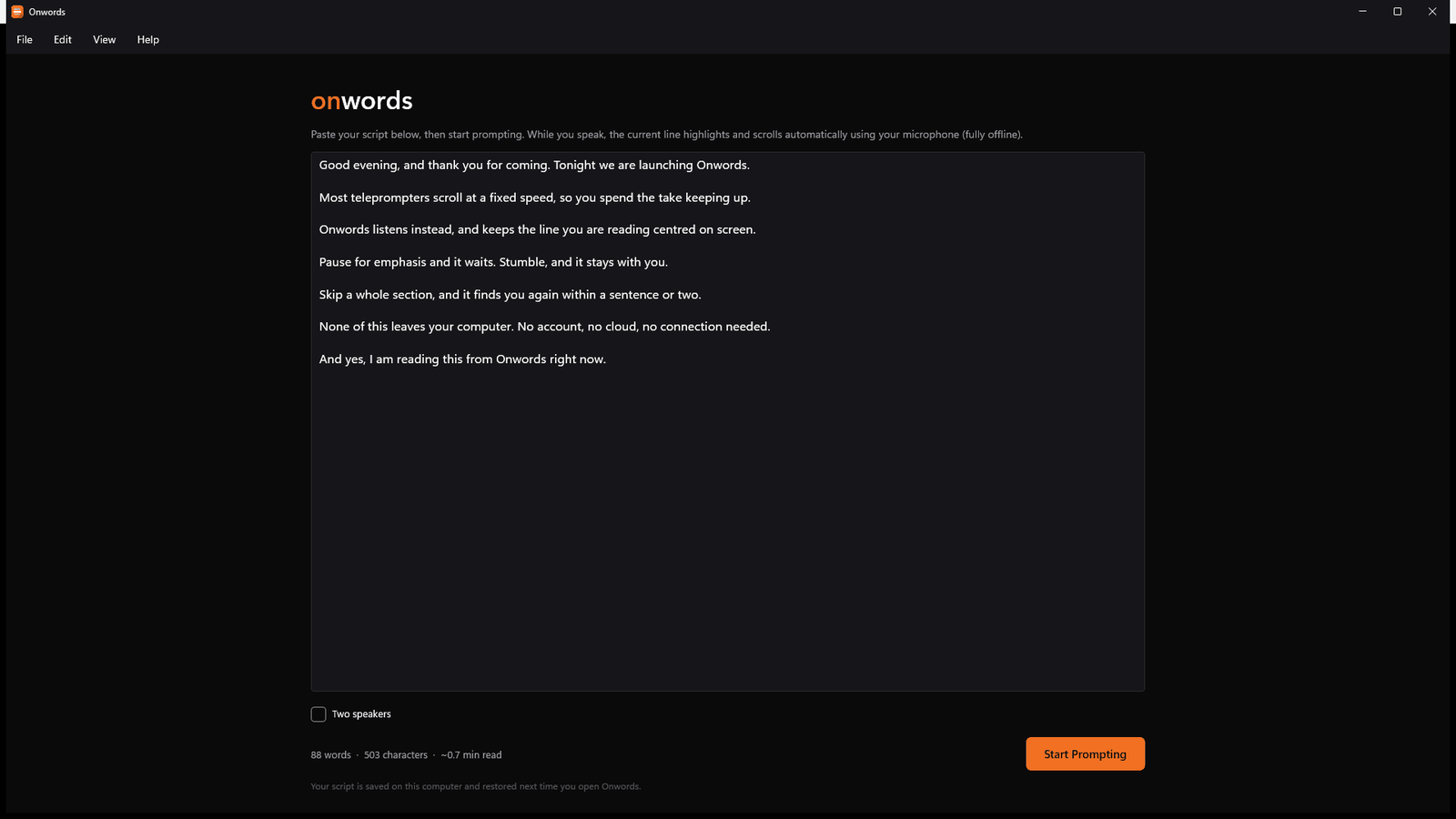
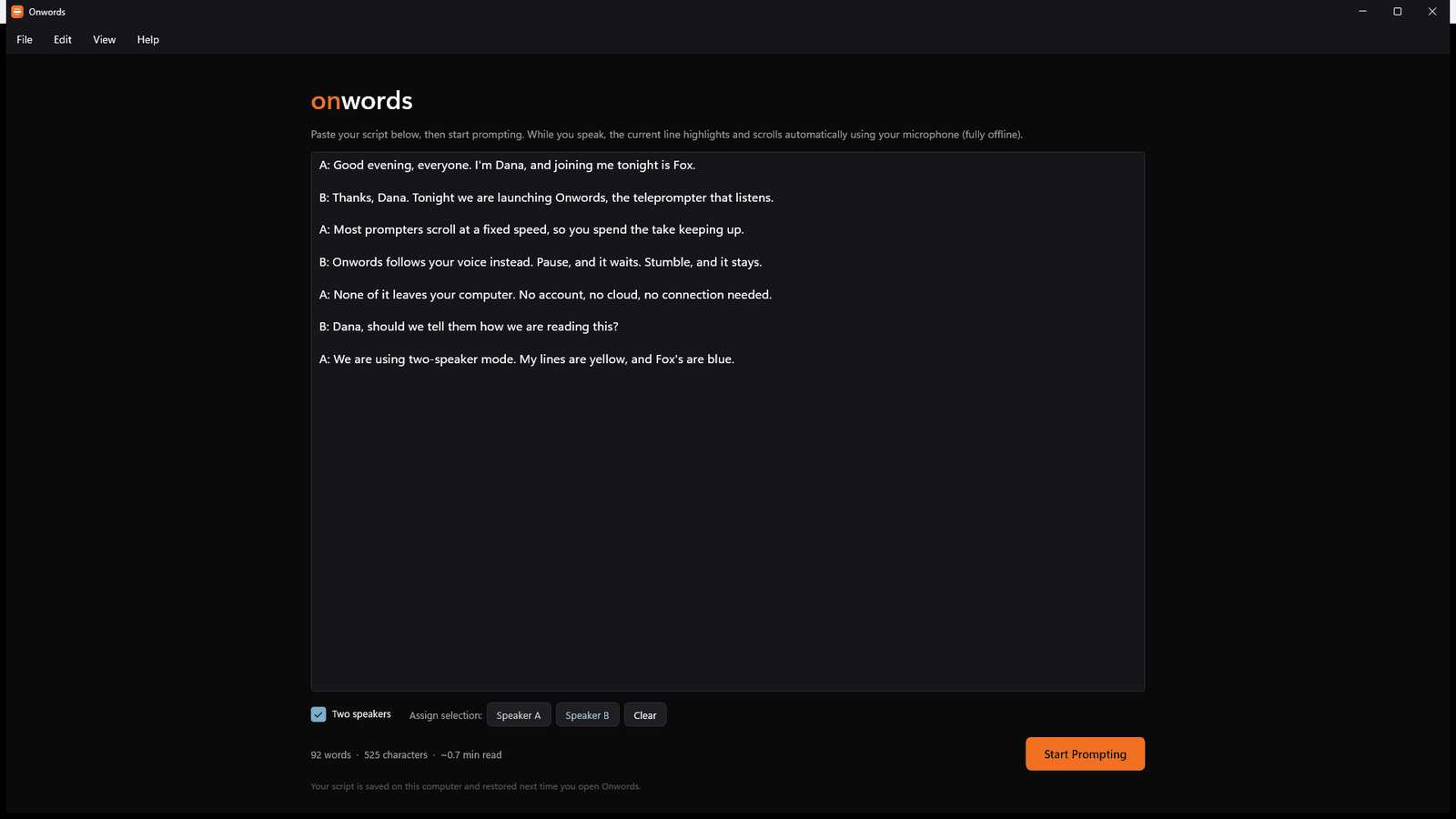
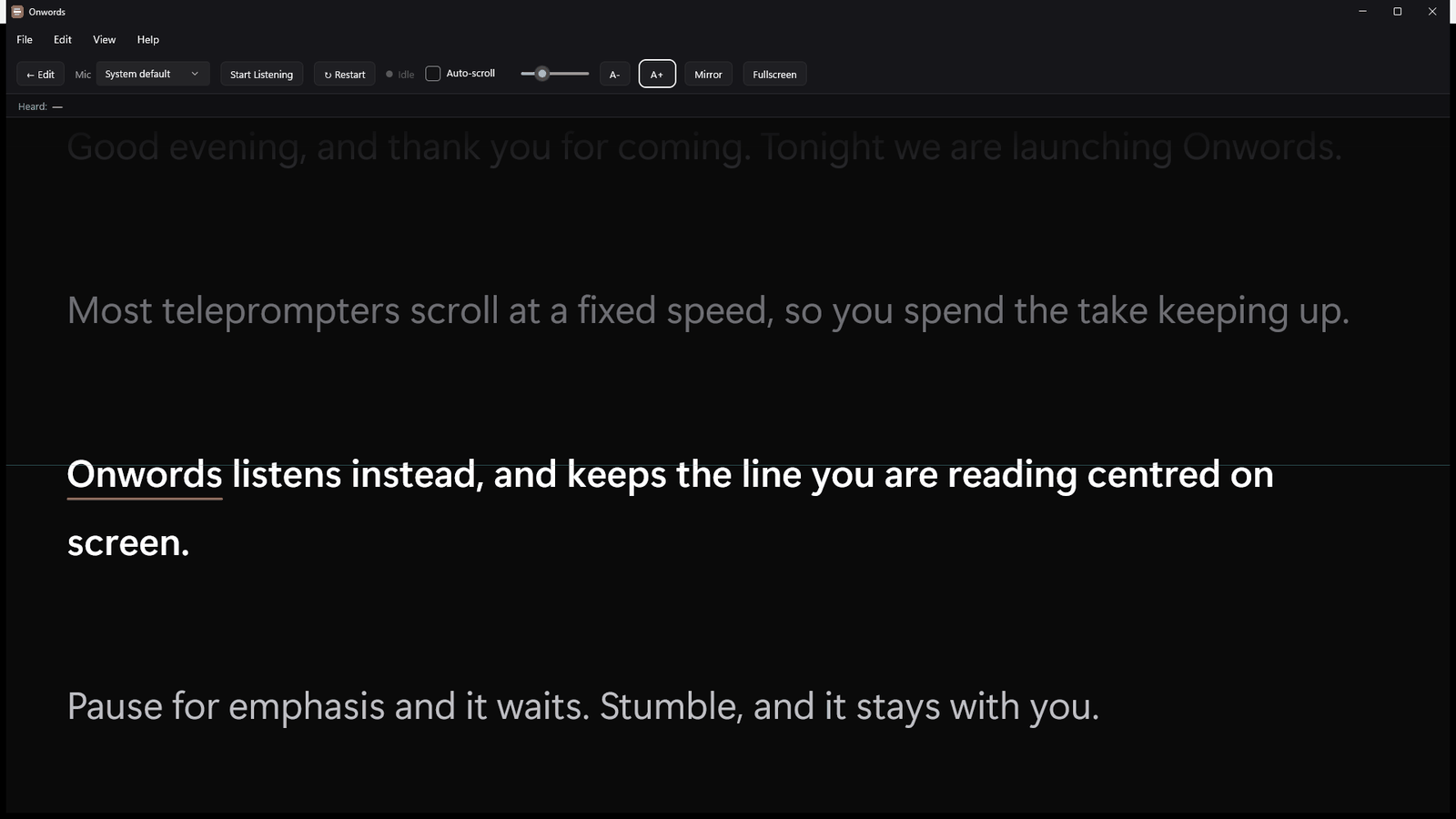
As they appear on the Store
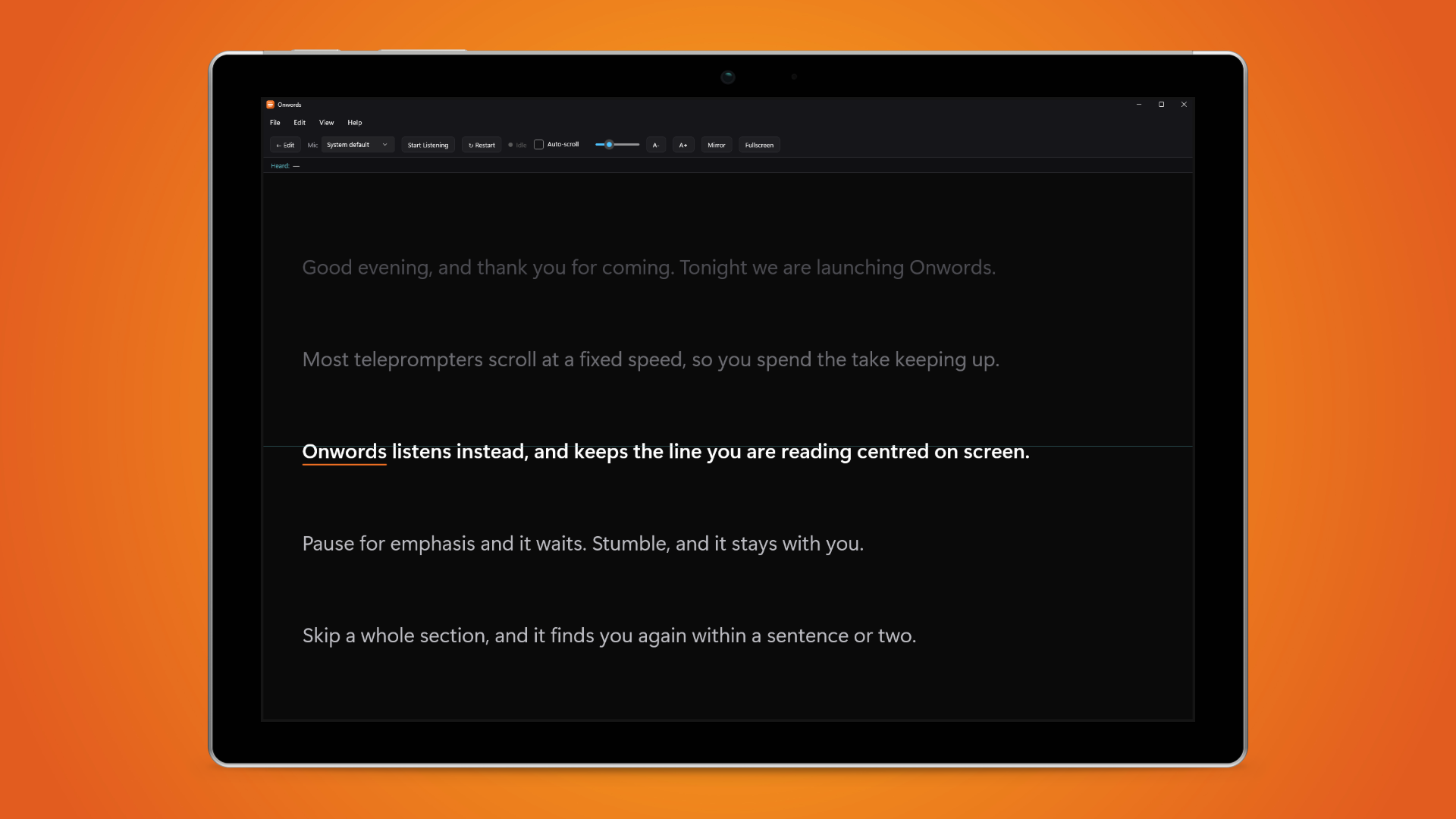
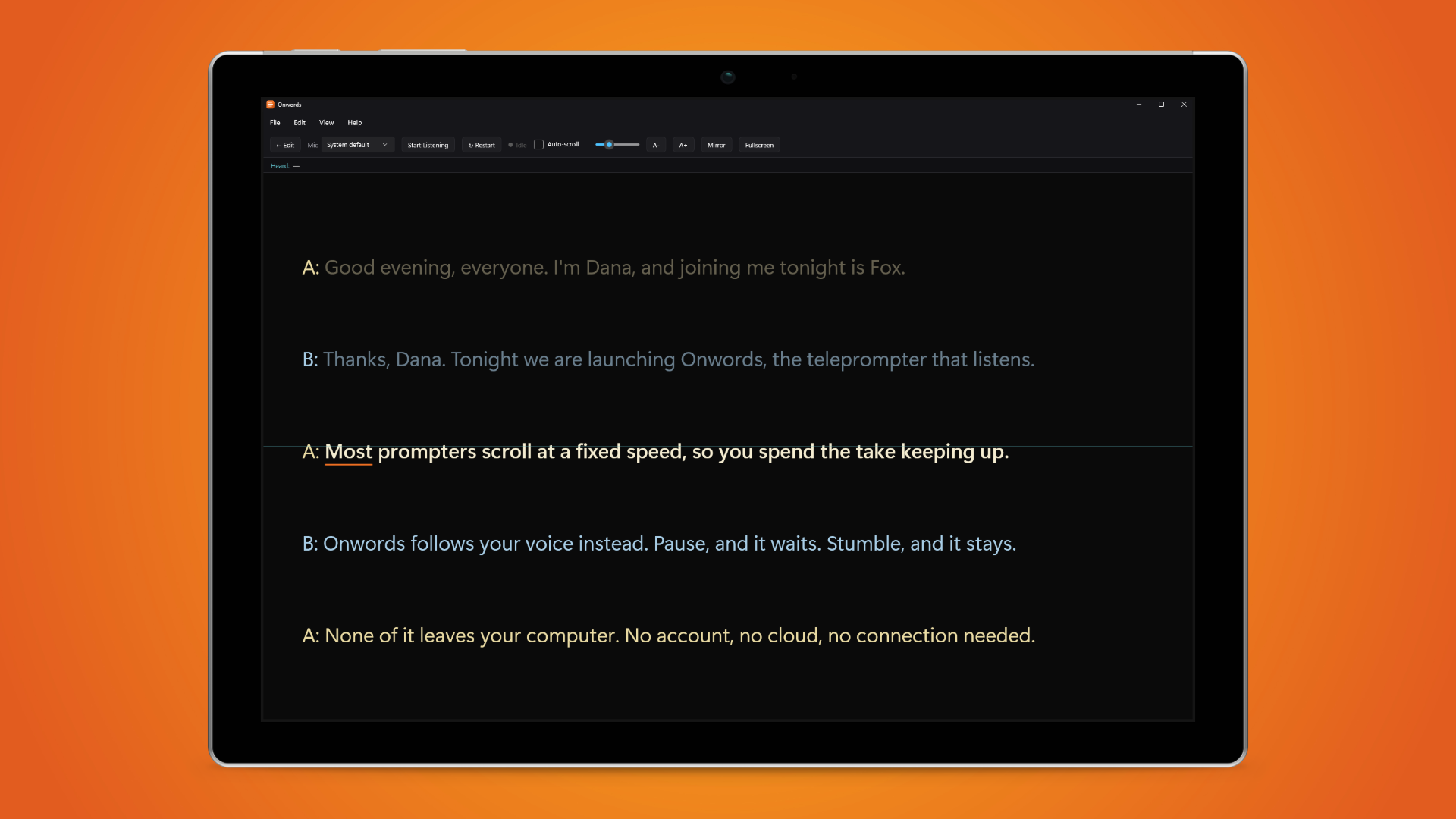
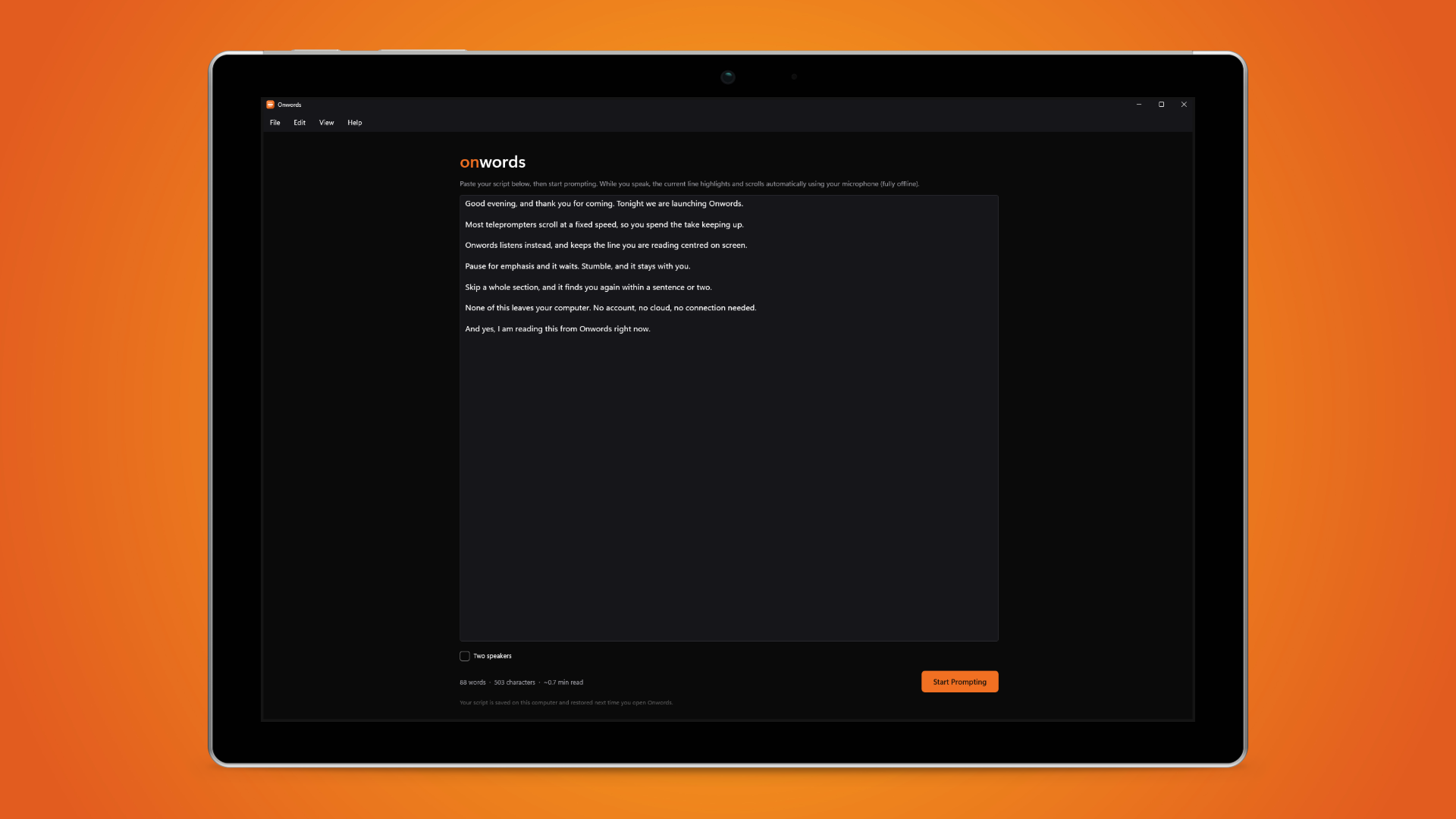
The app shown in a device frame, ready to drop into an article. Click any image for the full-resolution PNG.
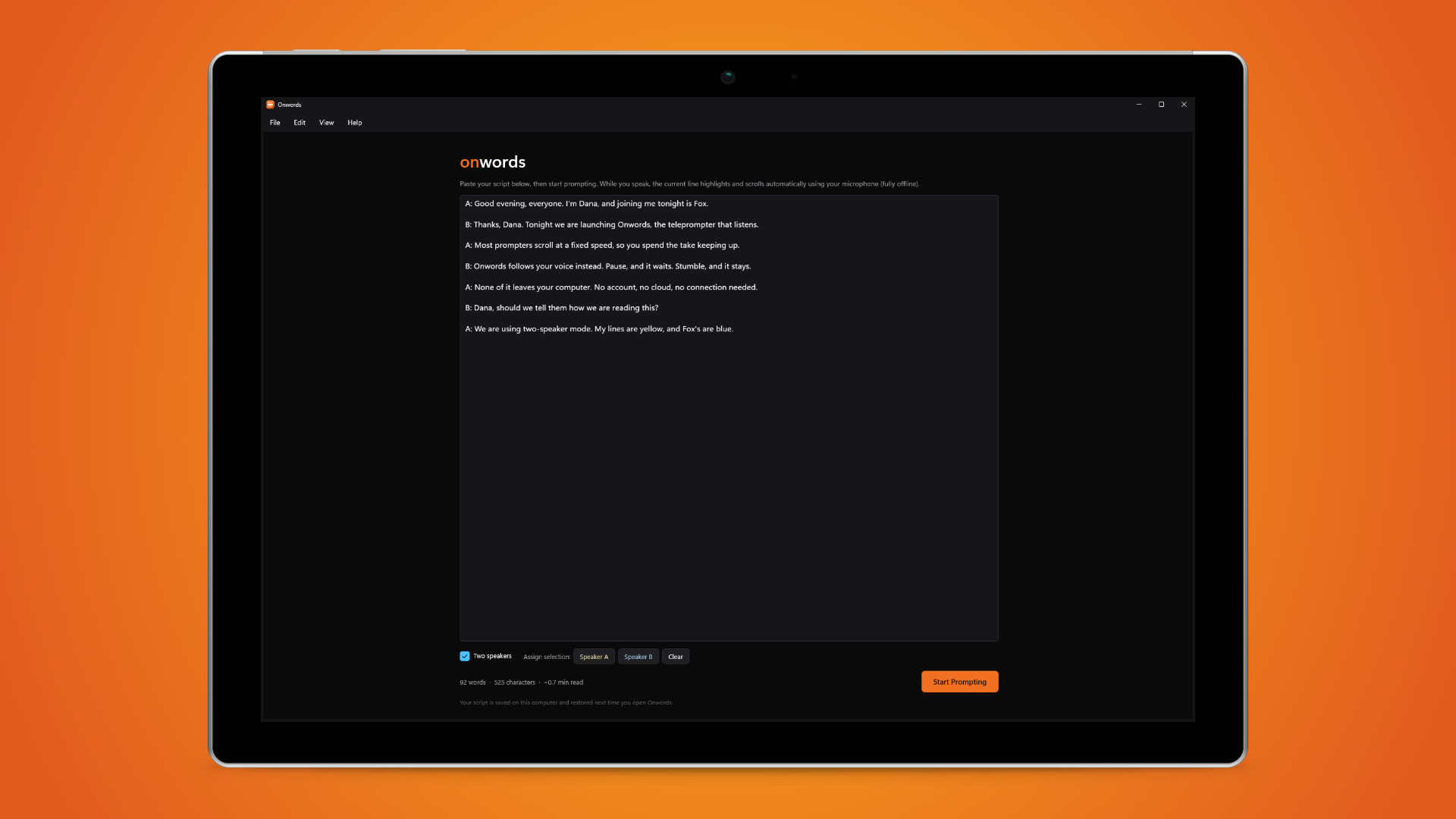
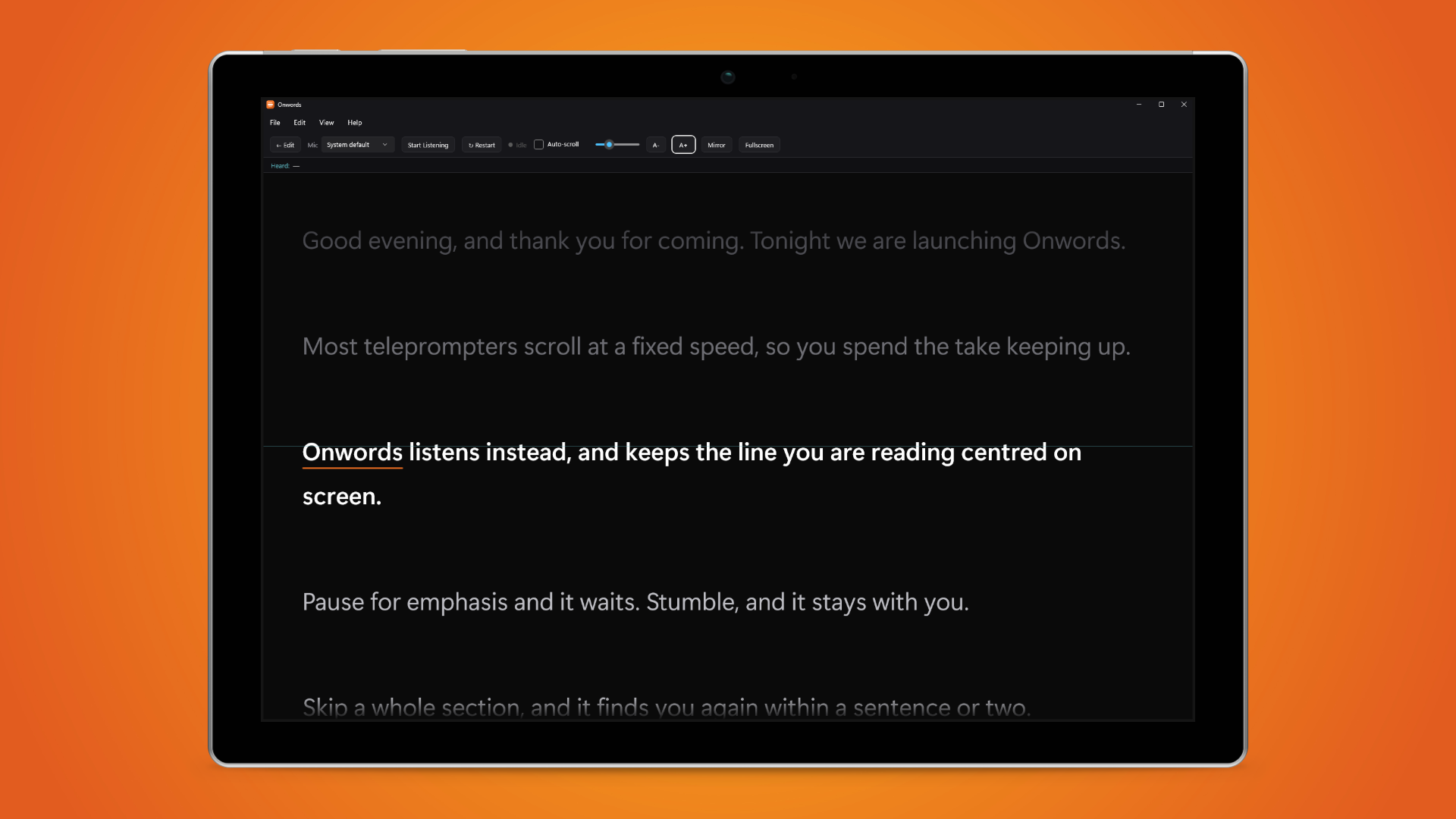
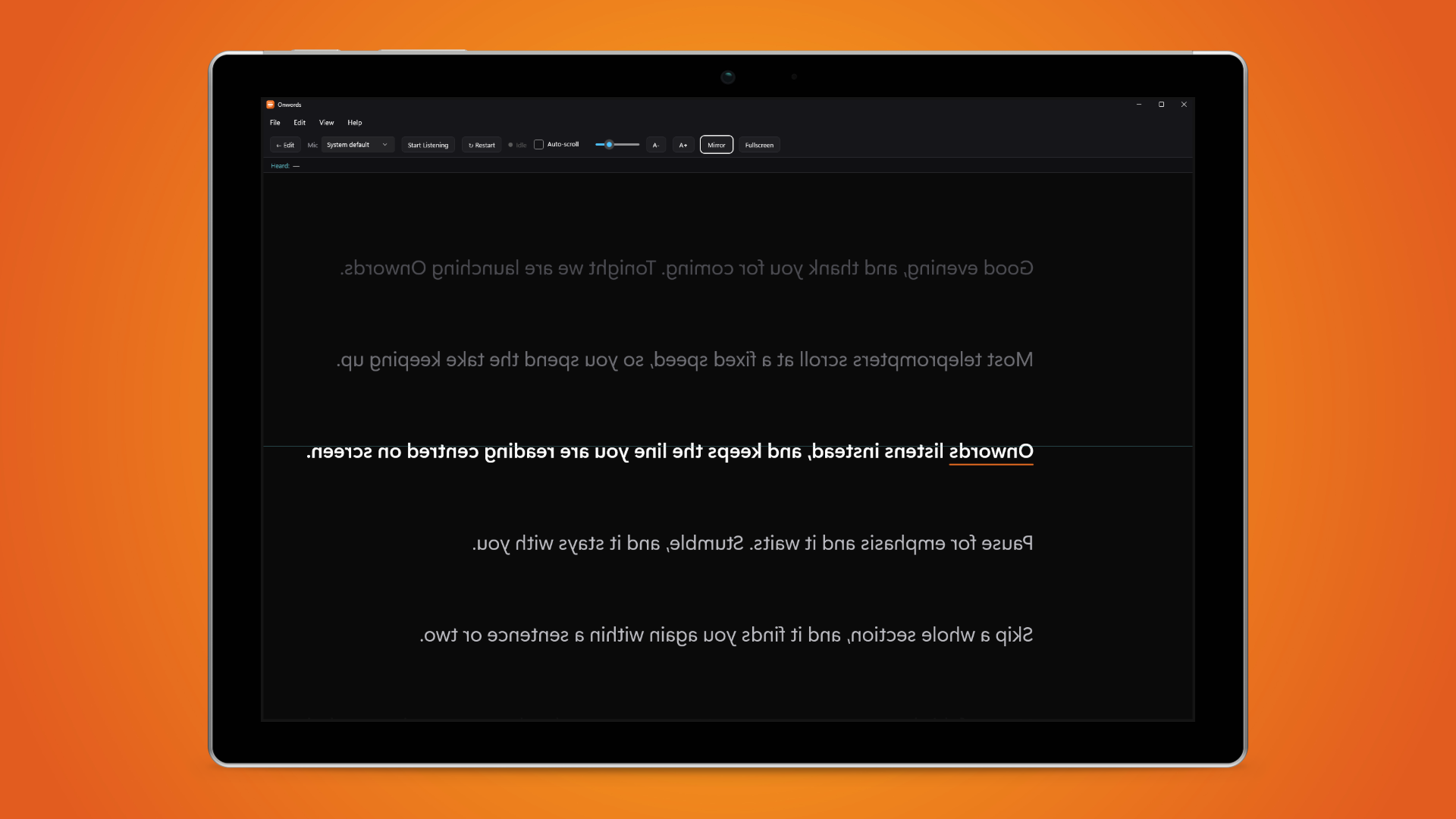
Screenshots
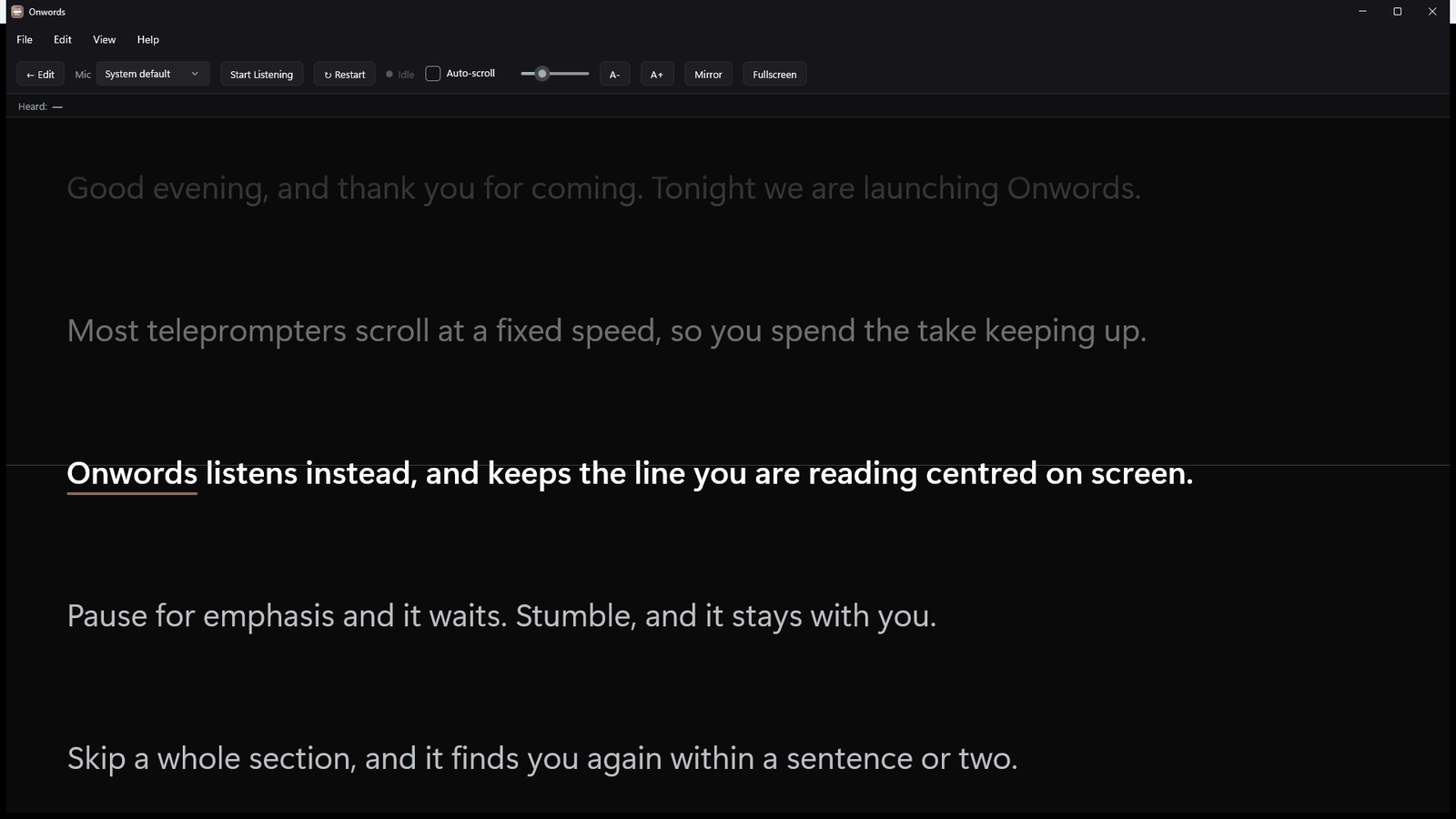
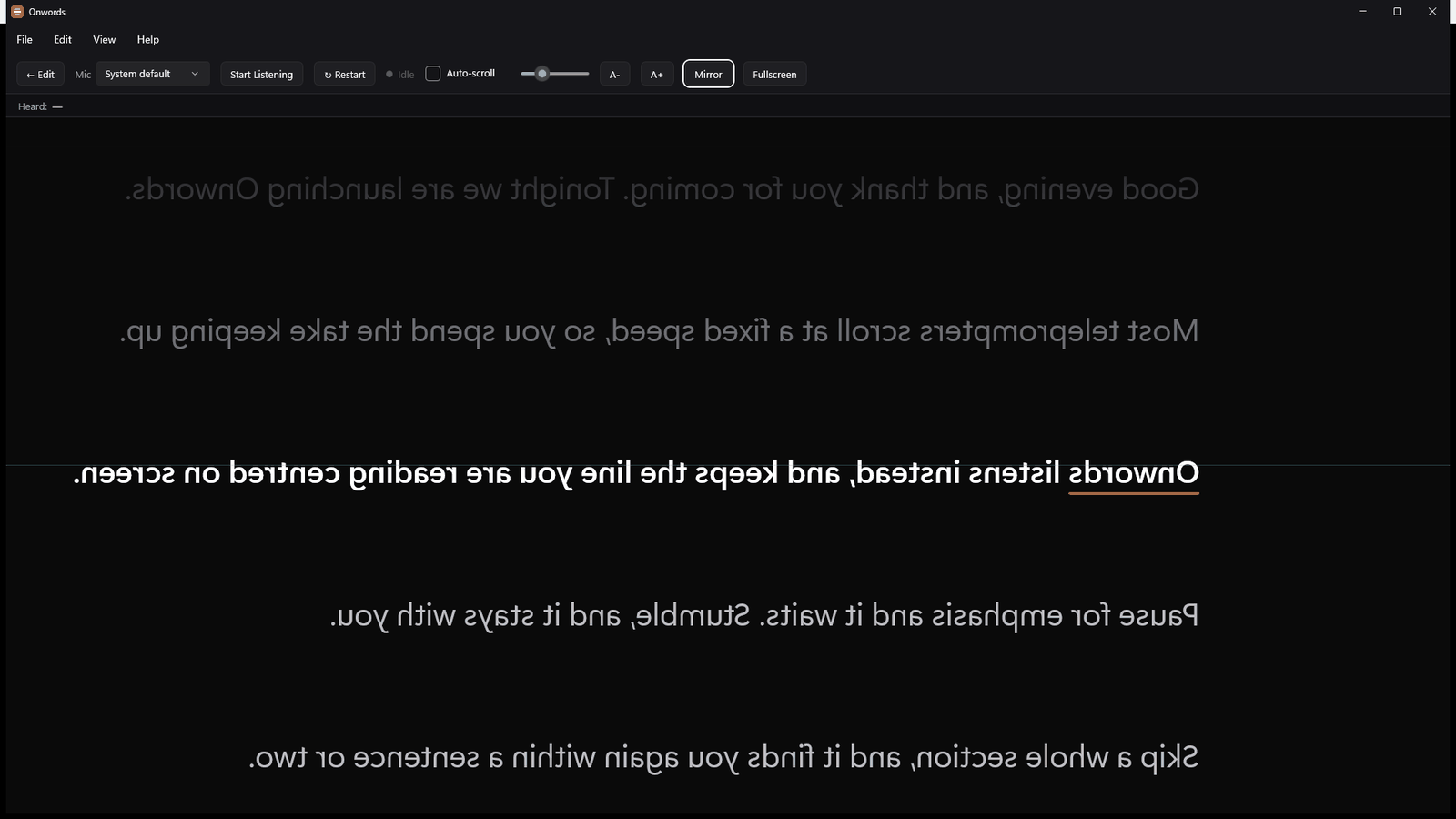
The interface itself
The same six views without the device frame, if you would rather crop them yourself.
Brand
Logos and icons
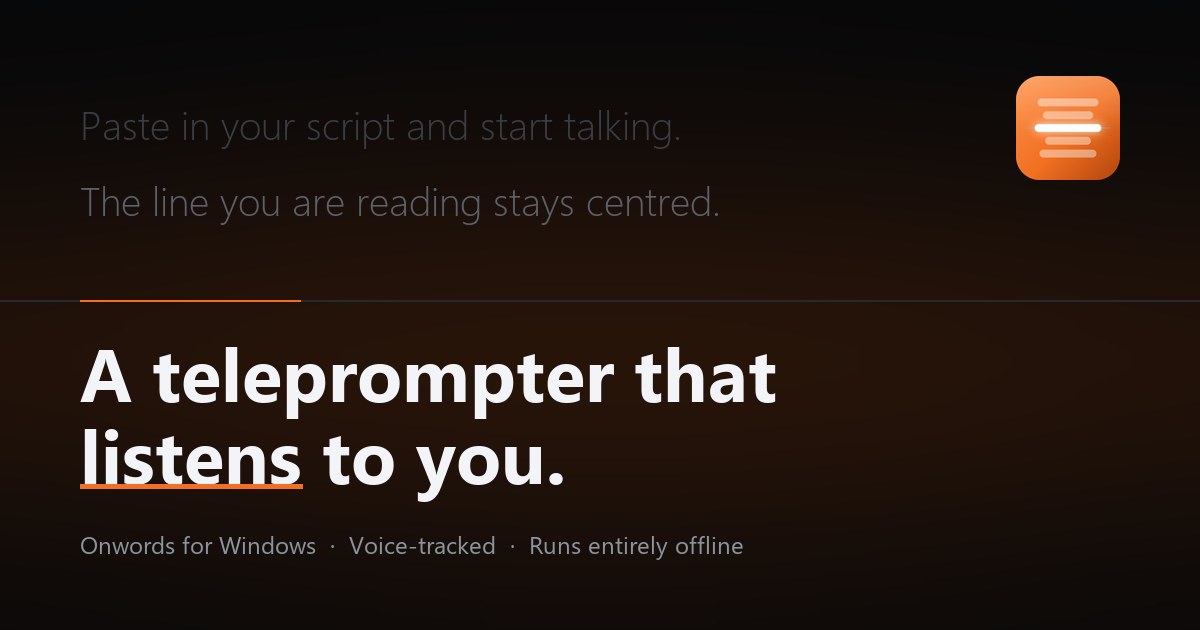
Please use the app icon as it is, without recolouring or cropping it.
The facts
Fact sheet
- Name
- Onwords
- Developer
- Chaos Created
- Current version
- 1.4.0 (September 2026)
- What it is
- A teleprompter for Windows that follows your voice
- Platform
- Windows 11, and Windows 10 version 1809 or later. Intel, AMD and ARM
- Price
- £19.99, a one-off purchase. No subscription
- Trial
- Free for 7 days, with everything unlocked
- Speech recognition
- On-device, by a recogniser bundled with the app. Nothing is uploaded
- Languages
- English
- Other platforms
- A Mac version is coming soon
- Where to get it
- Microsoft Store
Copy
Boilerplate
Take any of this as it stands.
Onwords is a Windows teleprompter that listens to you and scrolls itself.
Onwords is a teleprompter for Windows that follows your voice. Paste in a script, start talking, and the line you are reading stays centred on screen — it waits when you pause, stays with you when you stumble, and catches up when you skip ahead. Speech is recognised on your own machine, so nothing you say or write leaves your computer.
Chaos Created are a studio producing podcasts, virtual events and video, and building apps for Android and iPhone. Back in the Windows Phone days they shipped a good number of apps and games for that platform too, so a native Windows app is familiar ground. Onwords began as a tool they built for their own shoots, after the teleprompters on the market proved either expensive by subscription or unable to keep pace with a real presenter.
Onwords for Windows
Writing about Onwords?
Everything above is free to use. If you need something that isn’t here — a different crop, a longer clip, a quote — just ask.
Free 7-day trial · then £19.99 once, never a subscription · Windows 11 and Windows 10 · no account · your scripts never leave your computer