The hook
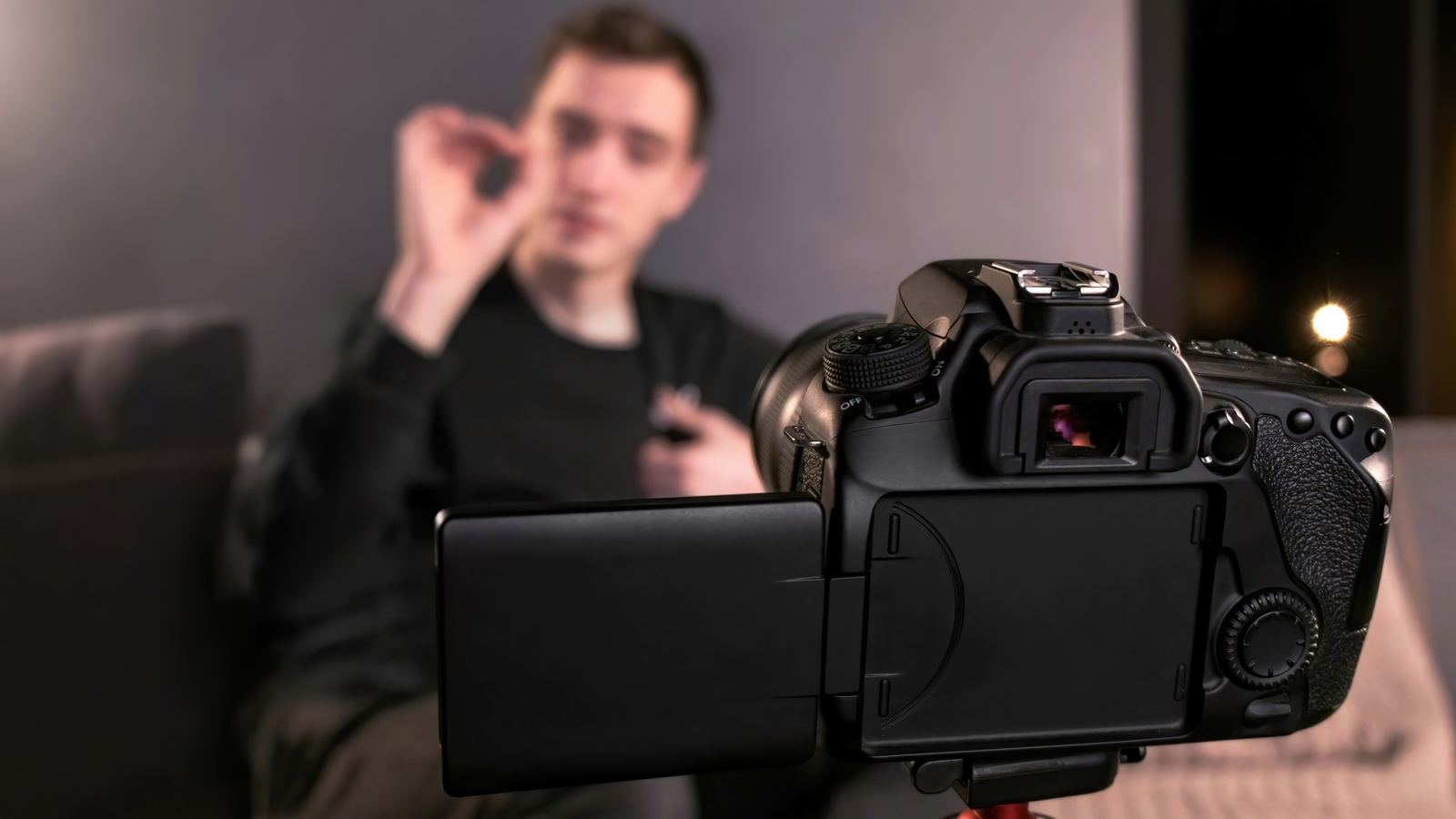
The first line is the one you rewrote nine times. Deliver it word for word, at the pace you meant, looking at the lens rather than at a phone propped against a mug.
 Onwords
Onwords/Who it’s for/Social media video
Teleprompter for social media video
Short-form video is unforgiving: the hook has to land word for word, and it has to sound like you meant it. Onwords follows your voice, so you can look at the lens instead of chasing a scrolling wall of text.
Short-form video
A thirty-second video has no space for a stumble, a re-phrase or a glance down at your notes. But reading it off a timed scroll is exactly what makes a piece to camera sound written.
The first line is the one you rewrote nine times. Deliver it word for word, at the pace you meant, looking at the lens rather than at a phone propped against a mug.
Pace is performance in short form. When the script follows you, you can push the tempo or land a beat without the text sliding out from under you.
Fluff one line and you re-record one line. Skip back and start again mid-script and it searches the whole script to find where you have gone.
Filming
Your current line sits on the guide line across the middle of the screen, with everything else faded back — so your eyes stay in one place instead of tracking down a page.

Batch days
Most creators don’t film one video, they film a week of them. Onwords keeps whatever is in the script box between takes and between days — paste the next one in, or keep them all in one long script and let the tracking find its place.


Demos and tutorials
Cooking, unboxing, building, demonstrating — the moment your hands are in shot, a clicker stops being an option and a fixed scroll becomes a race you lose.
Also worth a look
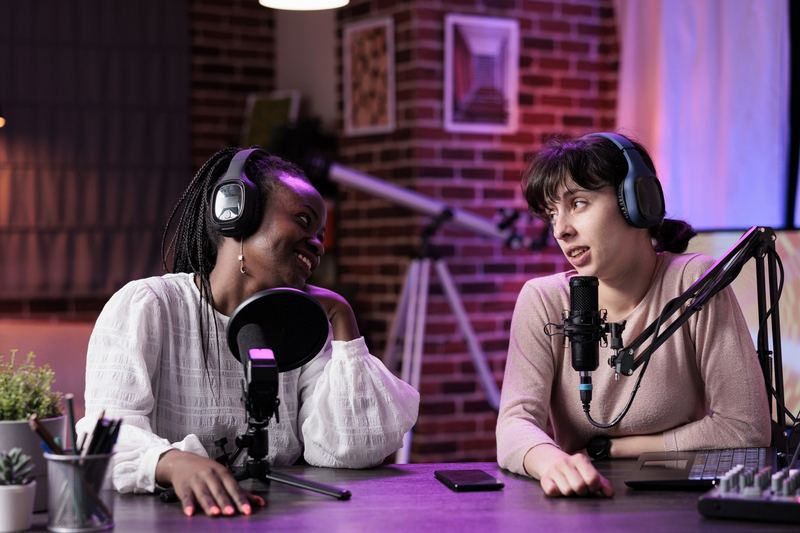
Scripted intros, sponsor reads and co-hosted episodes with tinted speaker lines.
For podcasters
No second takes — ad-lib, come back, and the prompter is still with you.
For live & webinars
Microphone troubleshooting, tracking questions and system requirements.
Get helpOnwords for Windows
Onwords is out now on the Microsoft Store, with a free 7-day trial. Windows 11 and Windows 10, Intel and ARM, no account needed.
Free 7-day trial · then £19.99 once, never a subscription · Windows 11 and Windows 10 · no account · your scripts never leave your computer